Cold Start Test
The project consists in the implementation of a system able to monitor the performance of an external API. As the API is implemented using serverless, the system tests the performance in two main scenarios:
- Cold Start: rare/infrequent calls are made to the API, thus awakening the sleeping serverless micro-services;
- Warm Start: frequent calls are made to the API, thus testing the “normal” performance.
The goals of the project are multiple:
- Test the external system;
- Practice how to implement a NoSQL database using Azure Cosmos DB;
- Practice how to implement a BI dashboard using Power BI.
The overall architecture is composed by three main blocks:
- Main platform implemented on Microsoft Azure;
- REST API backend;
- Client/Laptop for serving data visualisation dashboard.
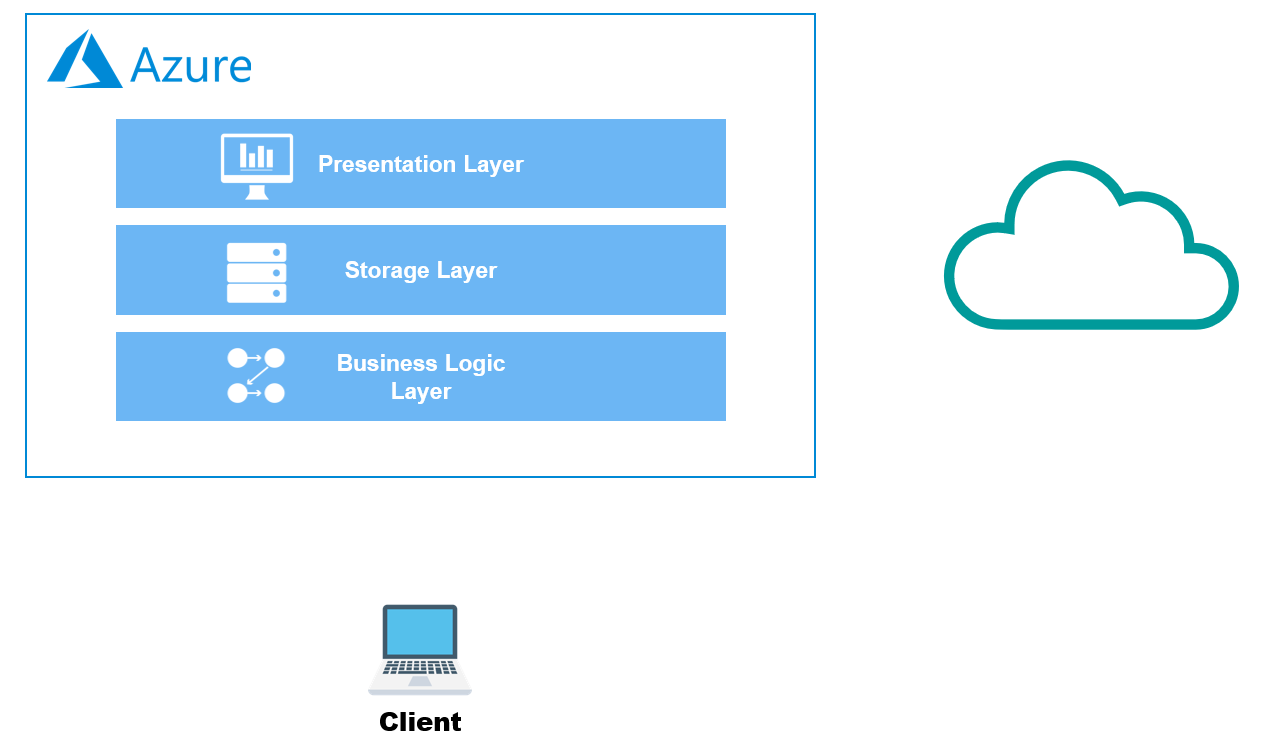
The choices for reaching the design are:
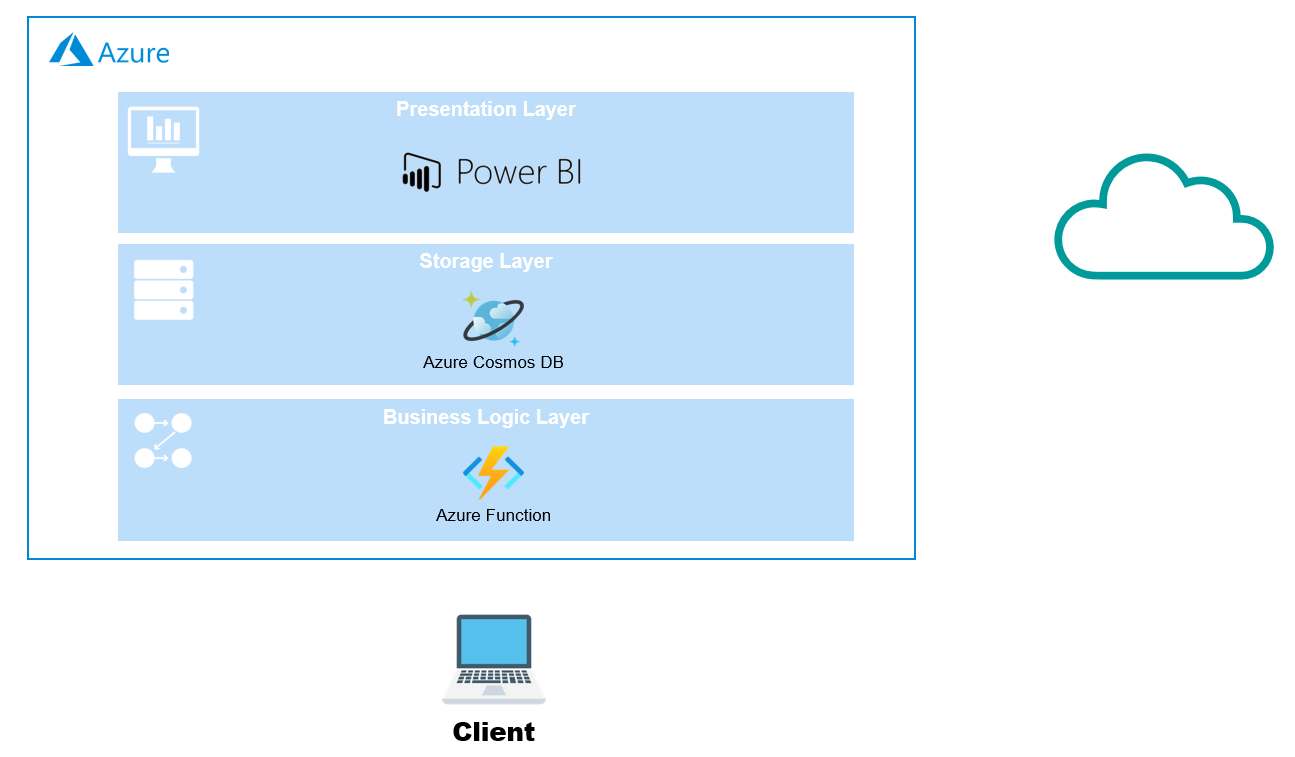
Here below can be seen a detailed view of the Microsoft Azure implementation. The architectural flow is not displayed as it is quite straightforward:
- Azure Function wakes up periodically (with changing period based on cold/warm mode).
- Azure Function invokes the REST API backend, measuring outcome and performance.
- Azure Function stores the data in a SQL-API Cosmos DB database.
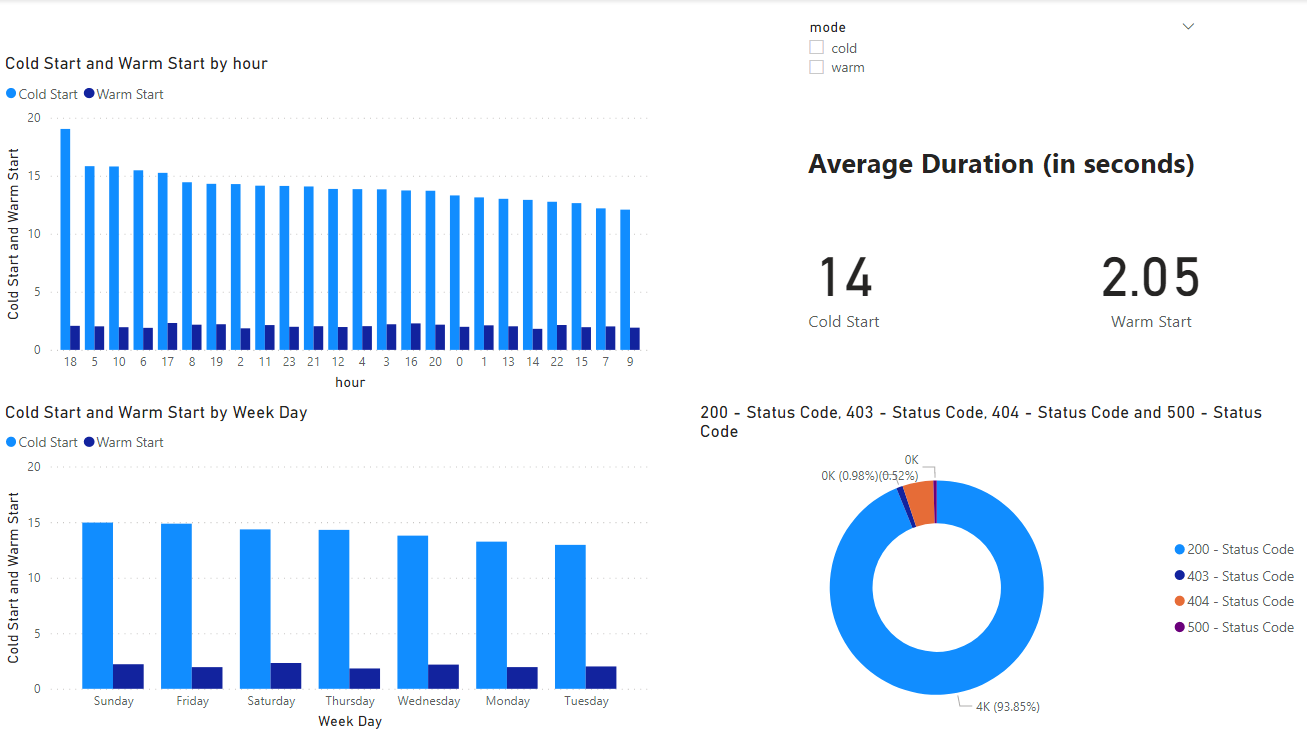
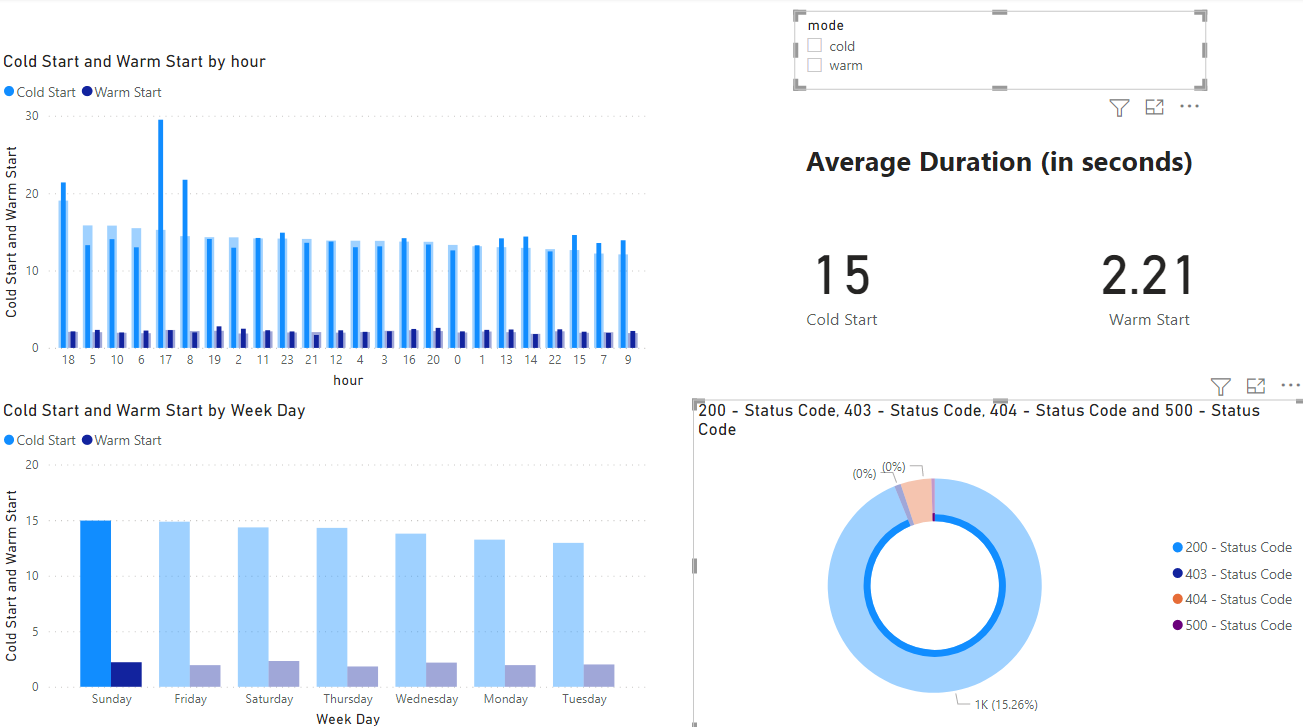
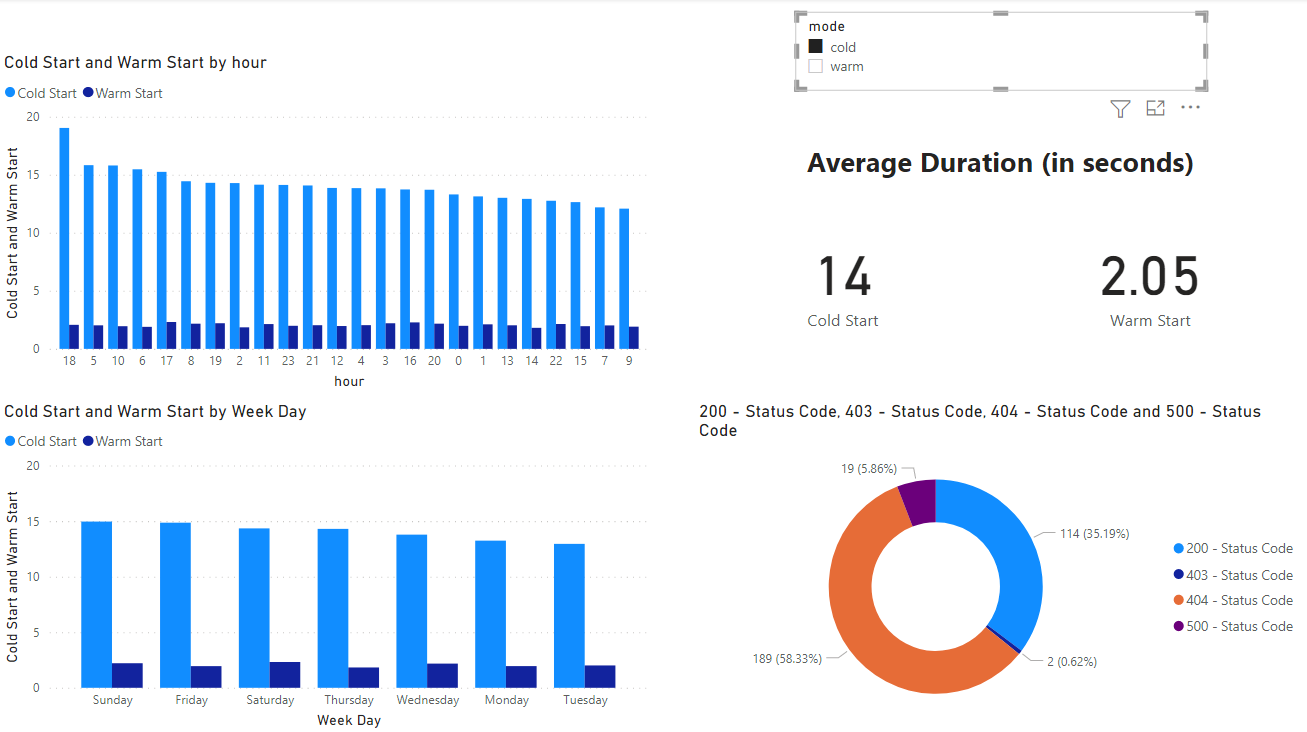
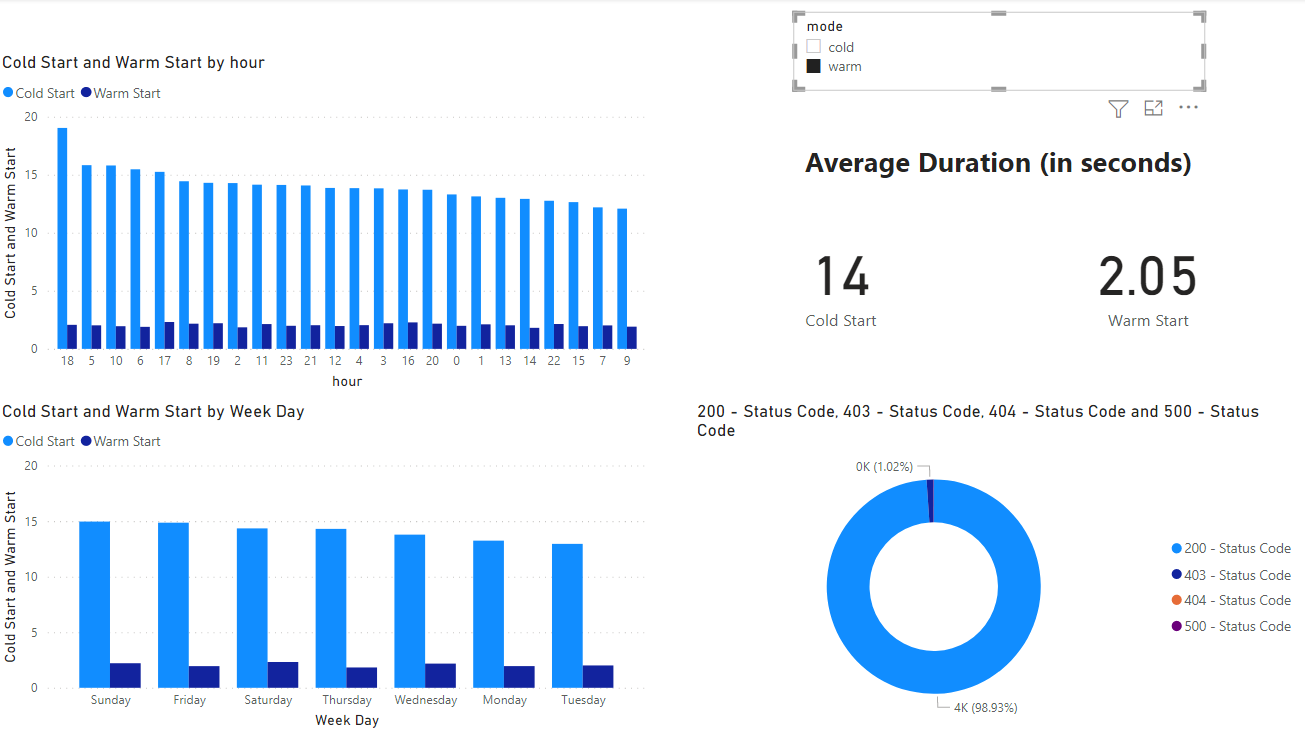
- Power BI retrieves the data from Cosmos DB and displays them in a dashboard.
Here below there are the screenshots related to the Power BI dashboard.